
Refund Process - How to provide Refund to Customers for Return & Exchange Orders ?
One can effortlessly raise a refund request to shopify from the REX app.
Steps :
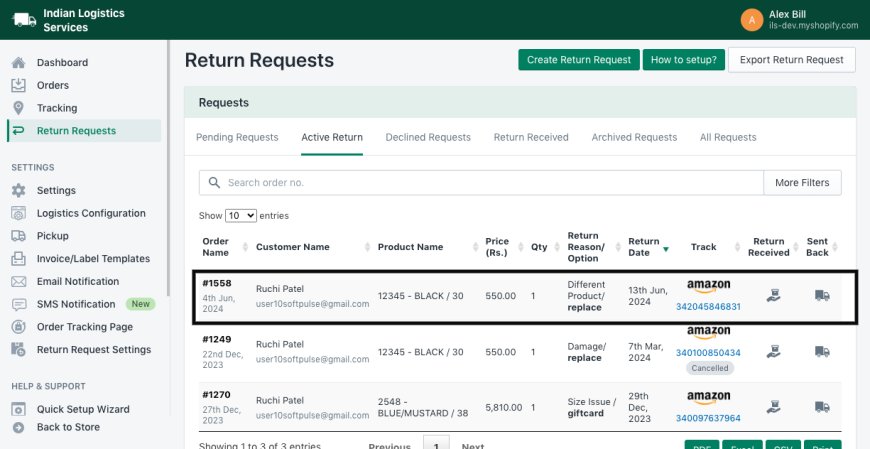
- Select return request from active return tab
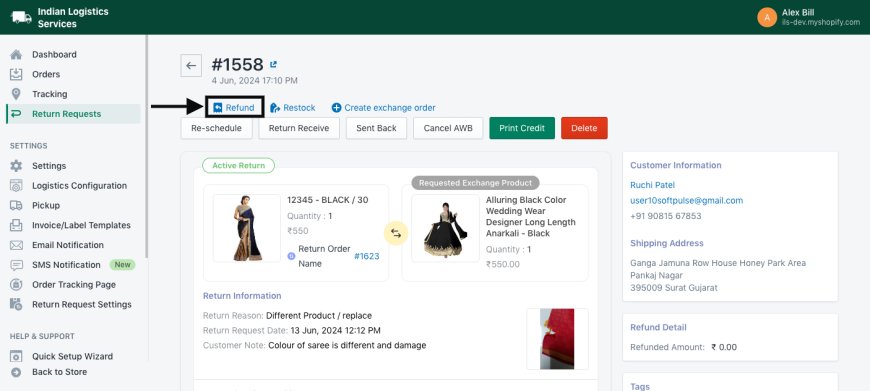
- Click on Refund Amount button
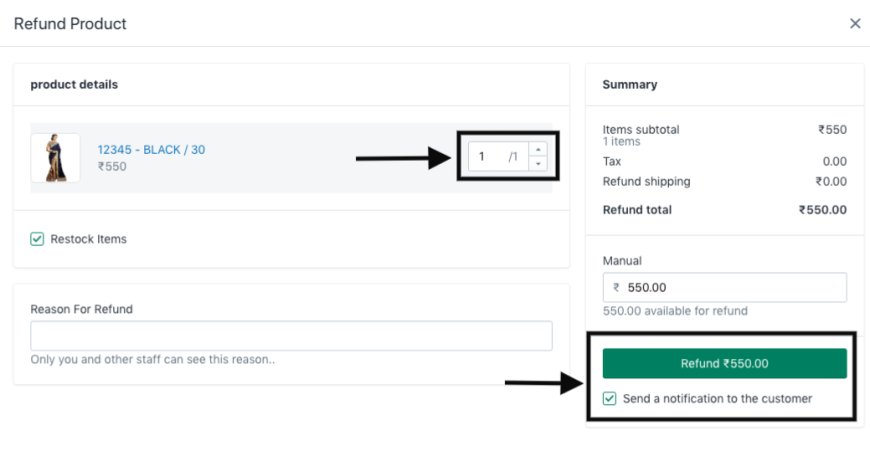
- Increase item count by clicking on the increase icon, then click on the Refund button.
Rather than selecting the original payment mode, if your customers have selected options like bank transfer or other payment mode then you cannot raise a refund from the REX app. For these options you need to manually provide a refund. However, information regarding refund will be visible below the return information.

Return Request Management Final.mp4